Every Today

Every Todayとは (About)
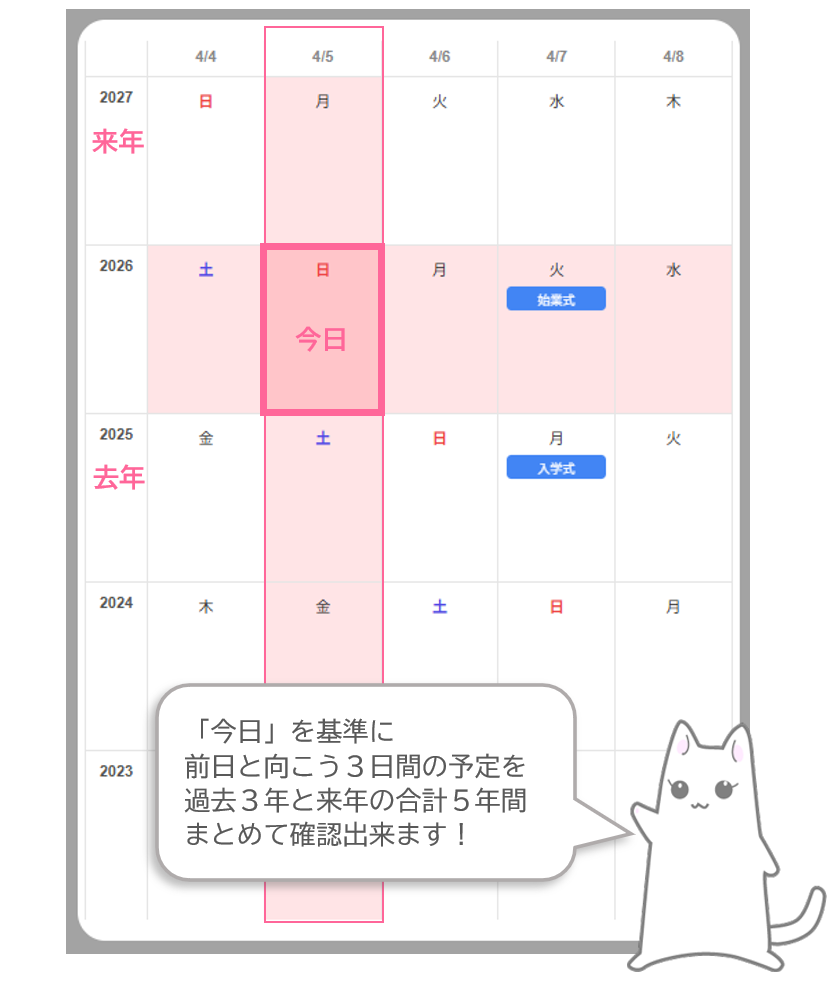
縦に「年」横に「日付」、年単位で「今日」を振り返る事が出来るカレンダーです。
「去年や一昨年を振り返りながら、今年や来年の予定を計画する」そんな利用シーンを想定しています。
デフォルトでは「今日」を起点にした5日x5年表示のカレンダーで、自分のGoogleカレンダーに接続して予定を年に渡って見渡す事も可能です。
管理人がほしい機能を最小限の形で具現化したものなので、予定の変更や追加は日付のダブルクリックでGoogleカレンダー本体に飛んで頂く形です。
端末の画面上には個人の予定が表示されますが、サイト側ではデータの読み取りや保存は行っておりません。
Every Today is a calendar that displays years vertically and dates horizontally, allowing you to reflect on "today" over multiple years.
It is designed to help you plan your future schedule while reviewing the past years.
By default, it shows a 5-year x 5-day grid. You can connect your Google Calendar to see your schedule across years at a glance.
This app is a minimal implementation: To add or edit events, double-click a date to jump to the official Google Calendar site.
Your schedule is only displayed on your screen; this site does not store or read your private data on our servers.
Google Calendar Integration
Googleカレンダーの予定を表示出来ます。
連携手順
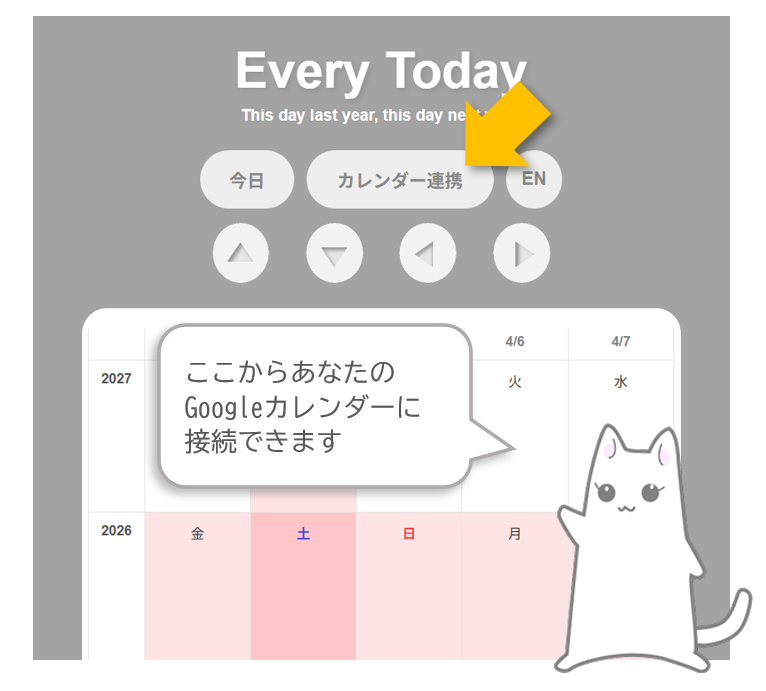
画面上部のカレンダー連携ボタンを押すと、Googleによるアカウント確認画面が開きます。参照したいアカウントを選択して認証を行ってください。
Show your Google Calendar events on the grid.
How to Link:
Click the Link Calendar button. A Google Account verification window will open. Select your account and grant permission to proceed.
日付セルをダブルクリックすると、該当する日のGoogleカレンダーを開きます。
Double-clicking a date cell will open the Google Calendar for that day.
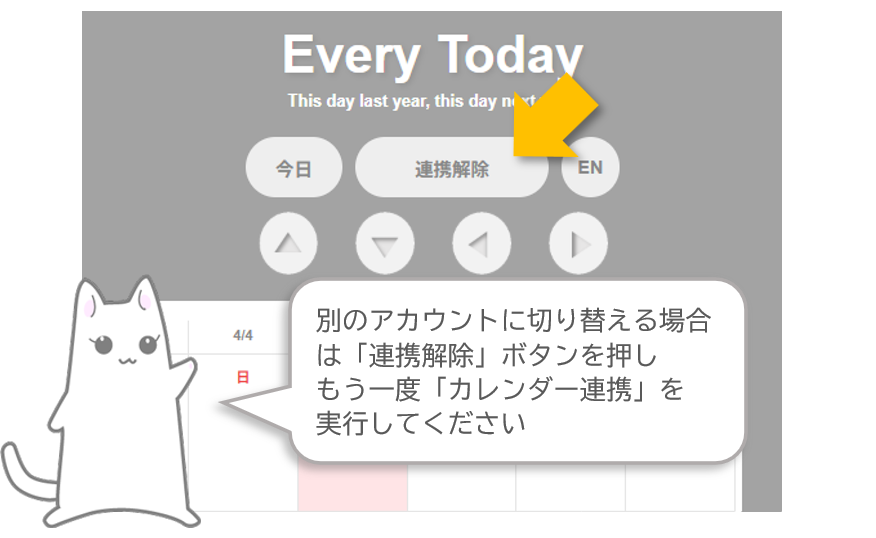
「連携解除」ボタンでGoogleカレンダーの参照をリセットできます。
You can disconnect your Google Calendar and reset the sync by clicking the Unlink button.
その他の機能 (Other features)
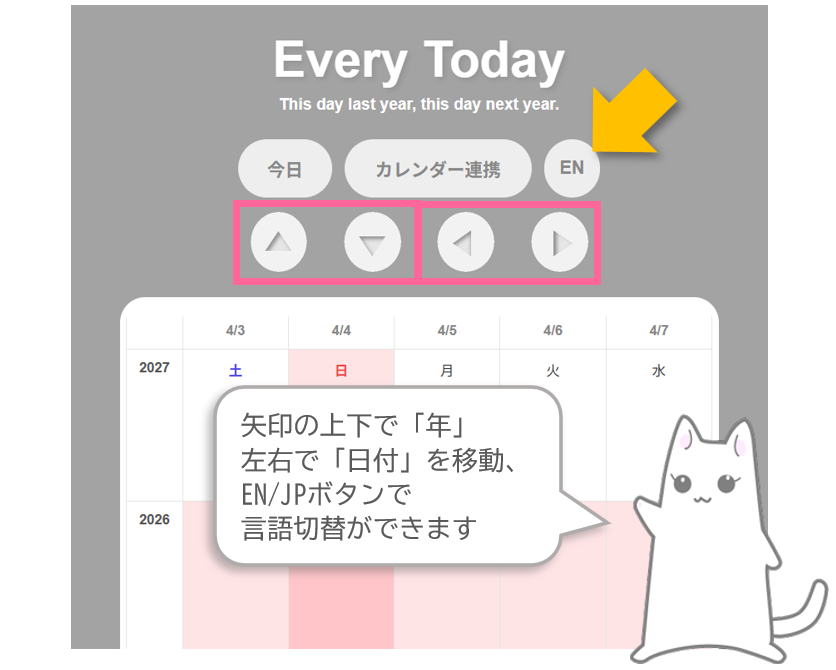
上下の方向ボタンで「年」、左右の方向ボタンで「日付」を移動できます。「EN」または「JP」ボタンで言語切替も可能です。
Use the navigation buttons to move between years and dates. You can also switch languages using the EN or JP button.
今日 ボタン: 初期設定の「本日」に戻ります。
Today button: Returns to the default Today setting.